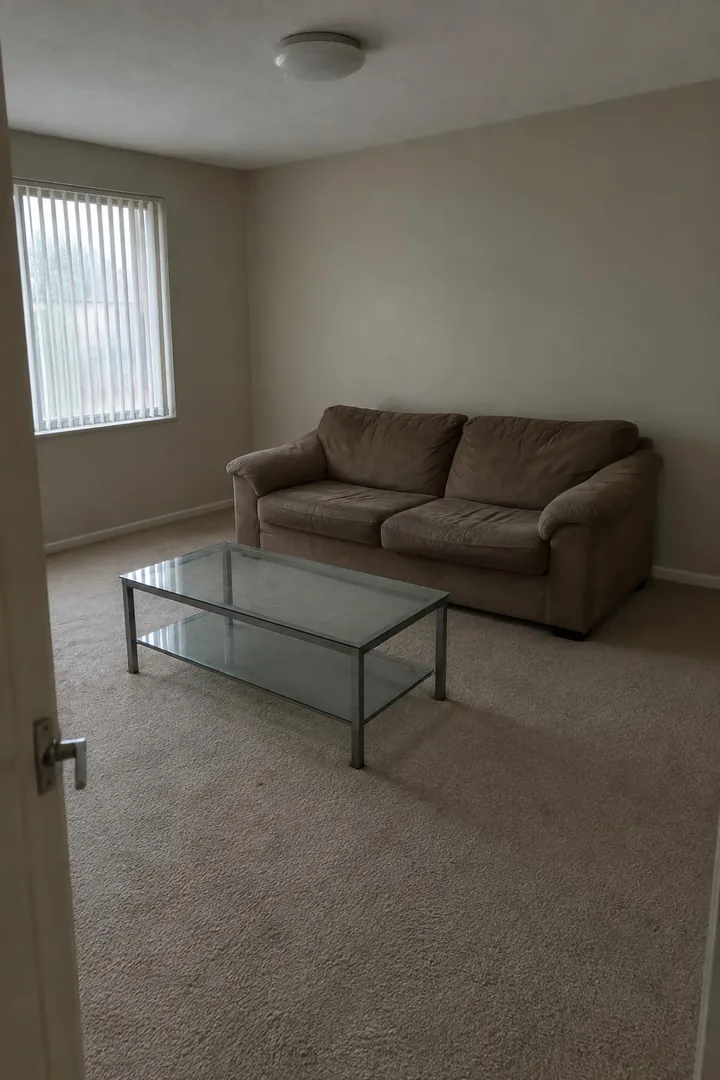
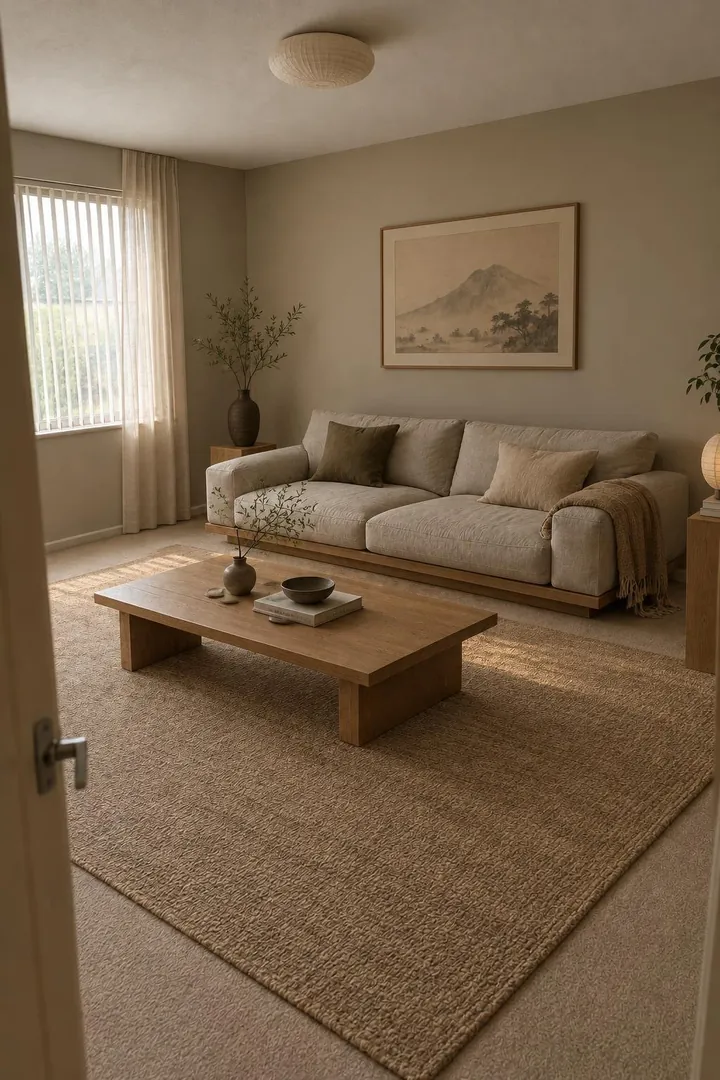
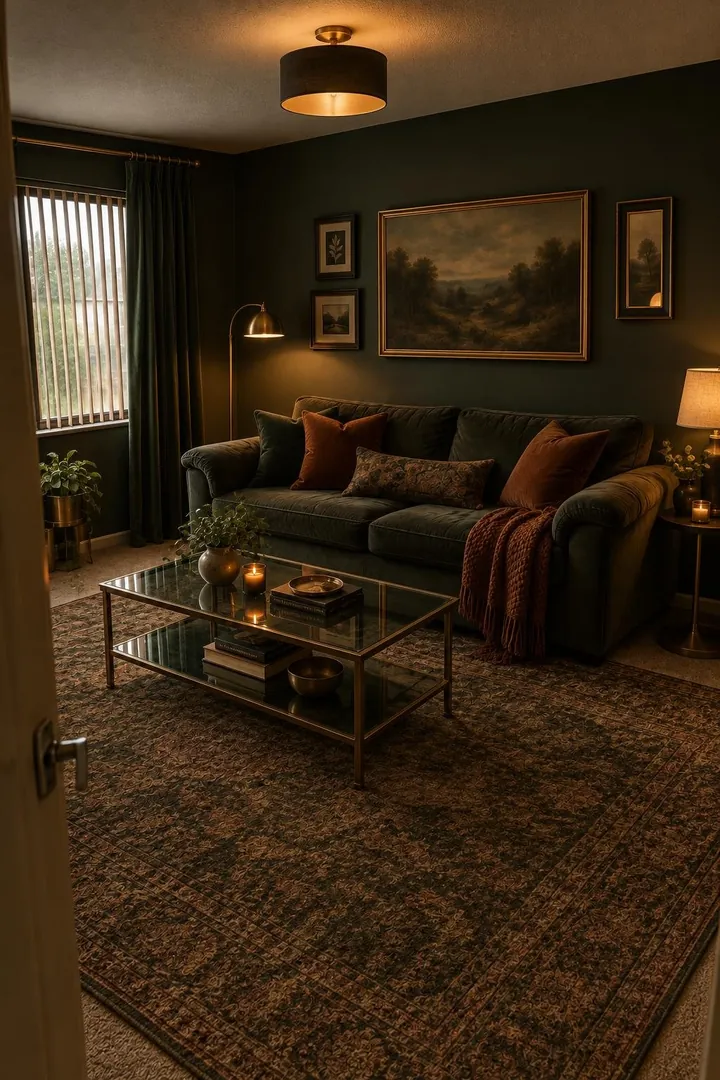
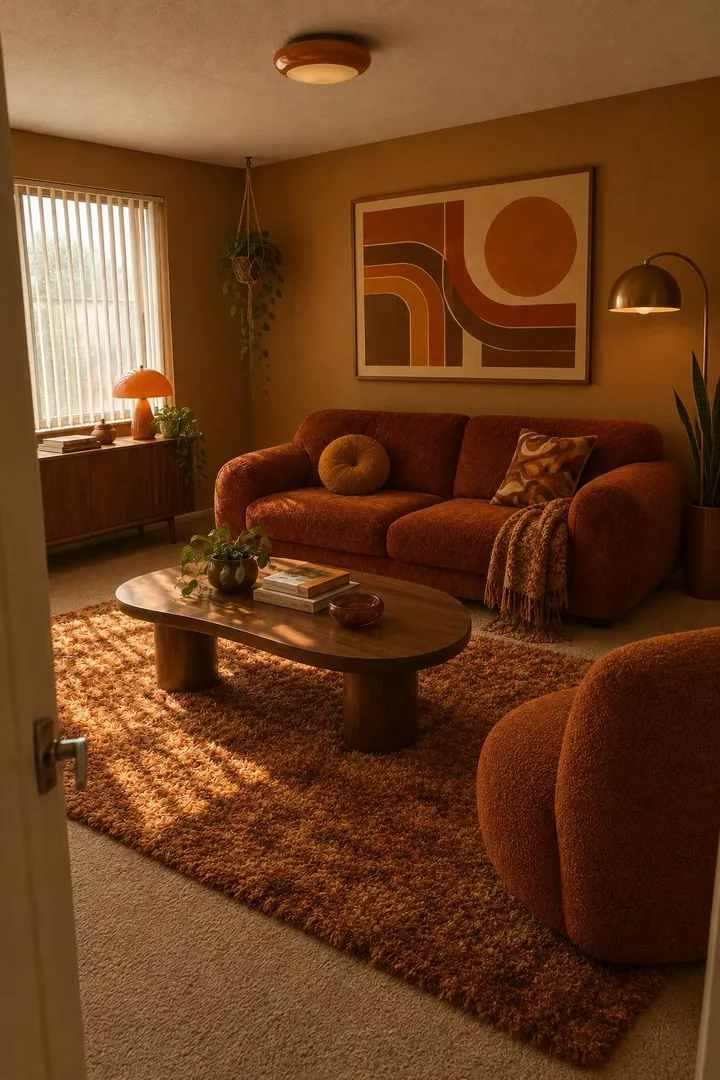
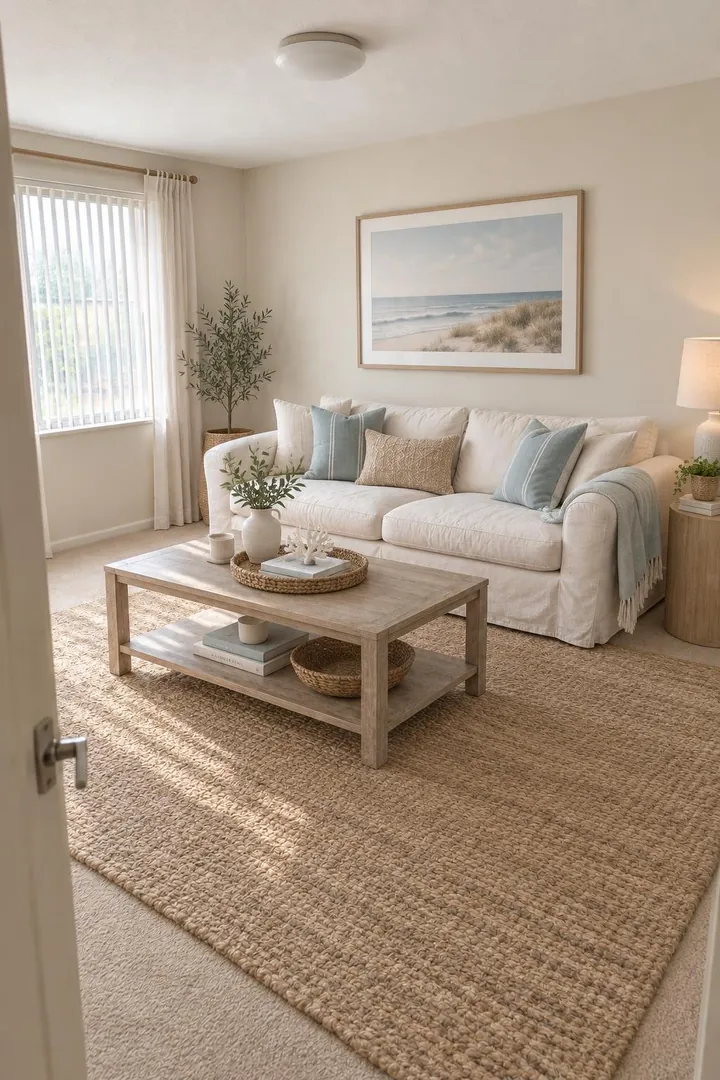
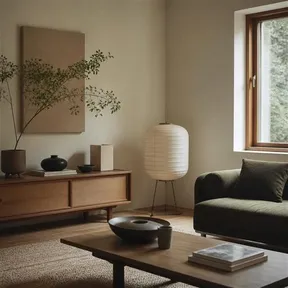
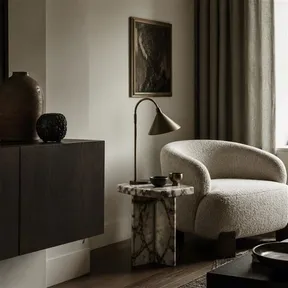
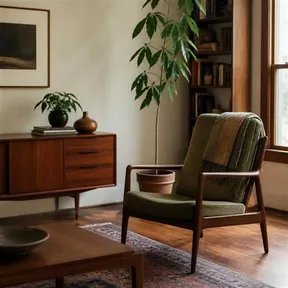
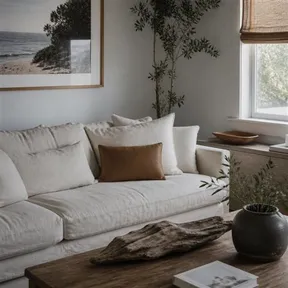
Your room, as it is.but japandi.but moody.but 70s.but coastal.
Snap a photo. Pick a vibe. See your actual room redesigned in seconds.
The catalog
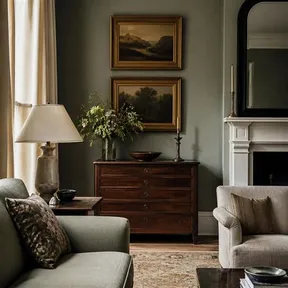
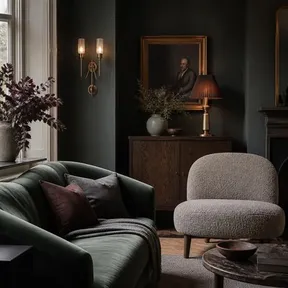
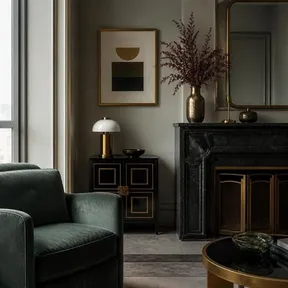
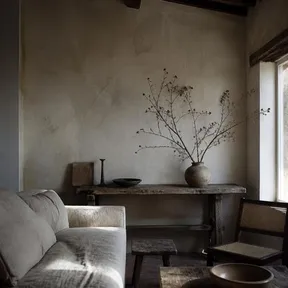
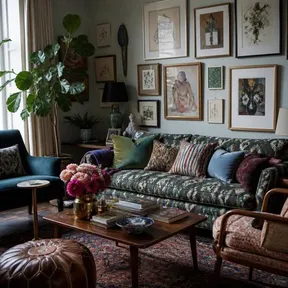
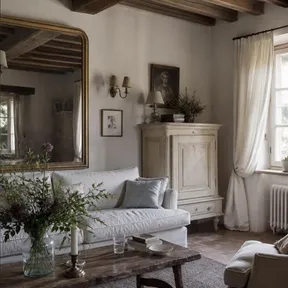
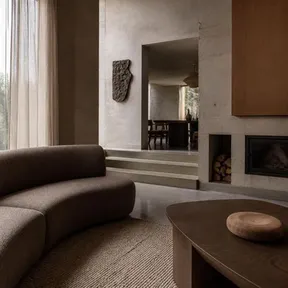
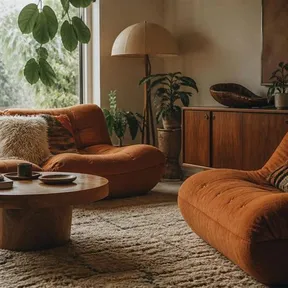
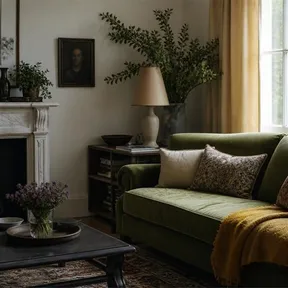
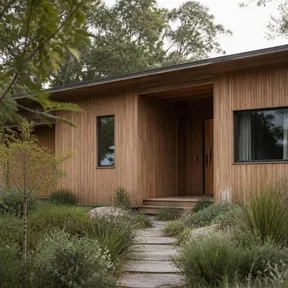
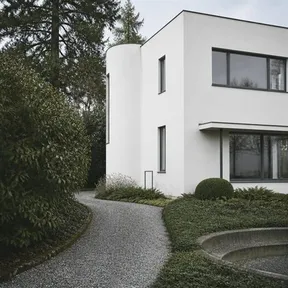
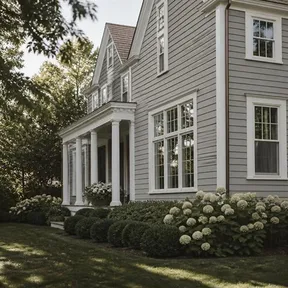
32 moods.
One tap each.
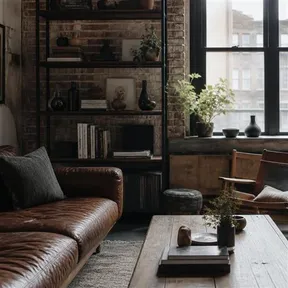
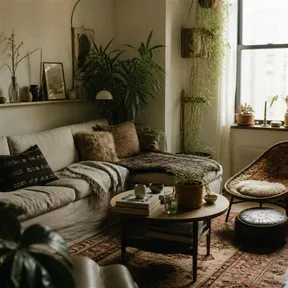
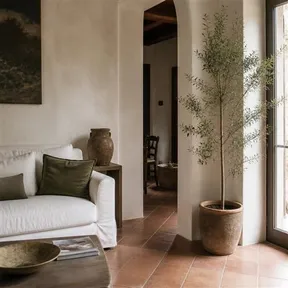
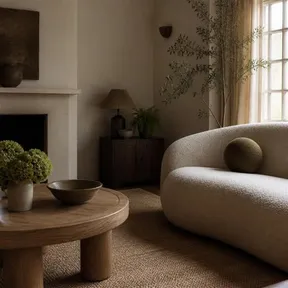
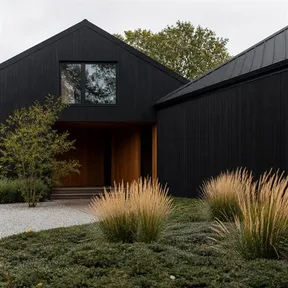
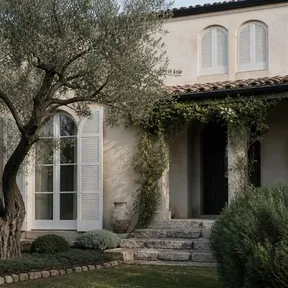
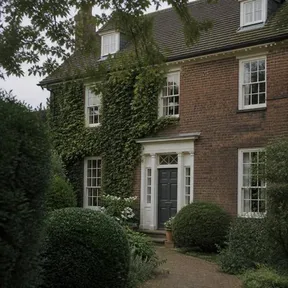
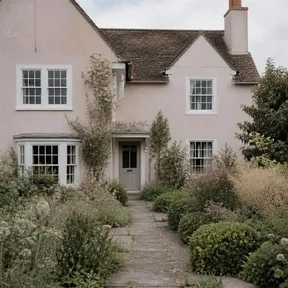
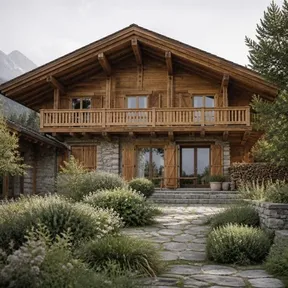
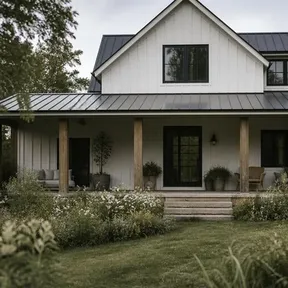
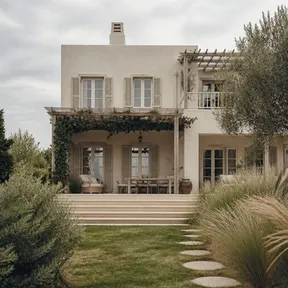
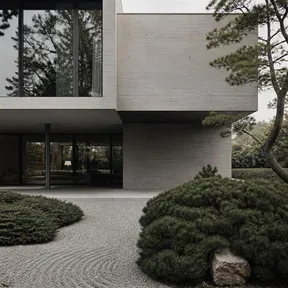
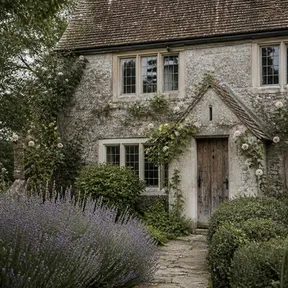
Twenty for inside, twelve for the outside of your house. Or hand it a few photos you love and let those set the direction.
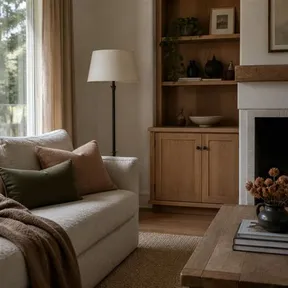
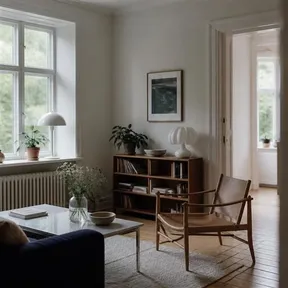
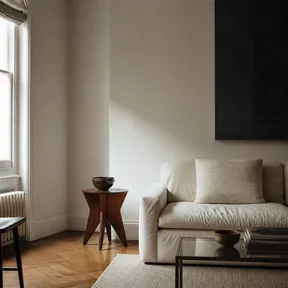
How it works
Three taps.
That's the whole app.
-
01
Snap it.
Point your phone at the room you're tired of. Any room, any light.
-
02
Pick a vibe.
Thirty-one styles — or add up to four photos you love and let those lead.
-
03
Watch it open.
Your walls, your windows, your angle — redesigned in seconds. Keep going until it's right.
Before / after
Same walls.
Same windows.
New room.
Each room opens up through the lens as you scroll — then tap to flip between before and after. The geometry stays exactly where it was; only the design changes.
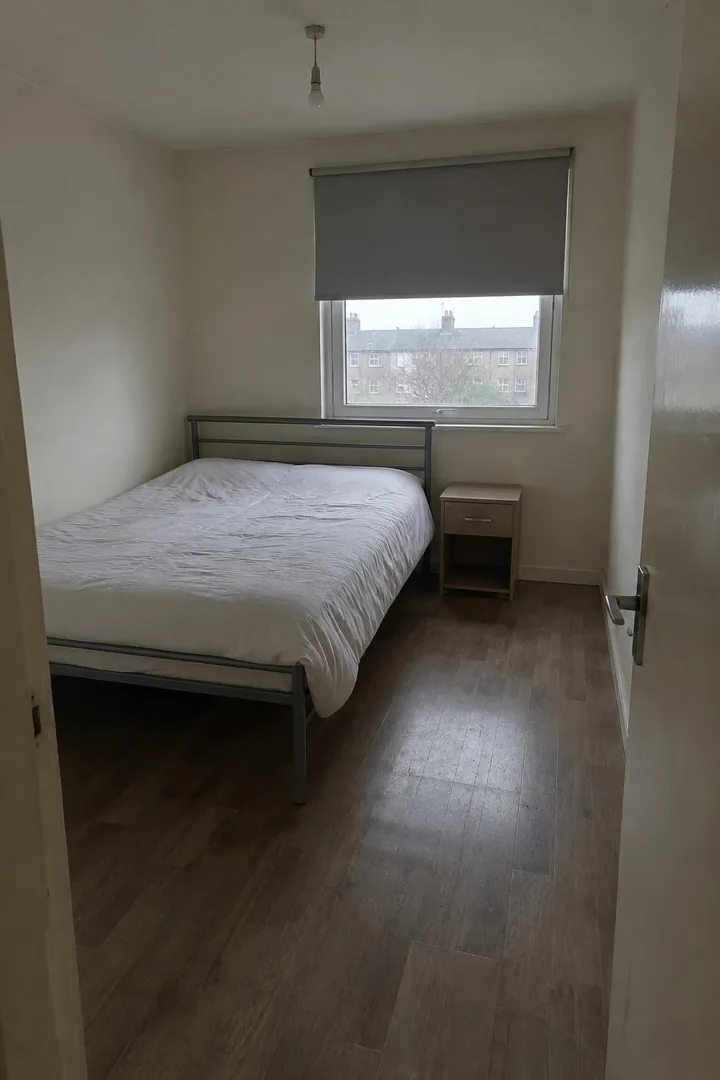
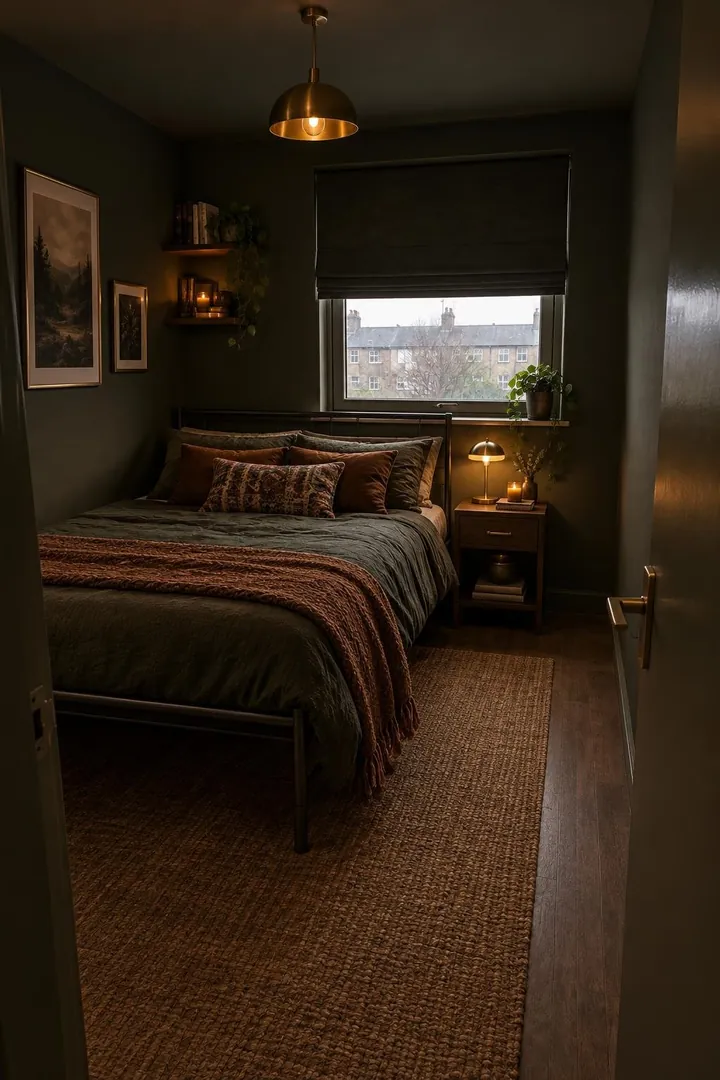
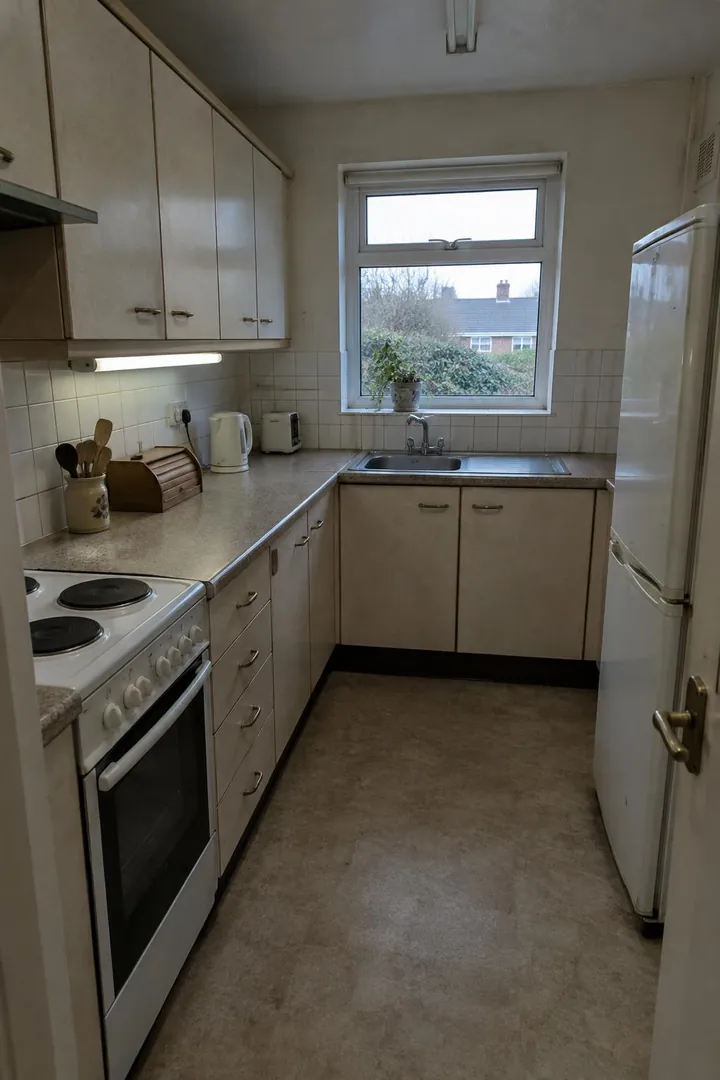
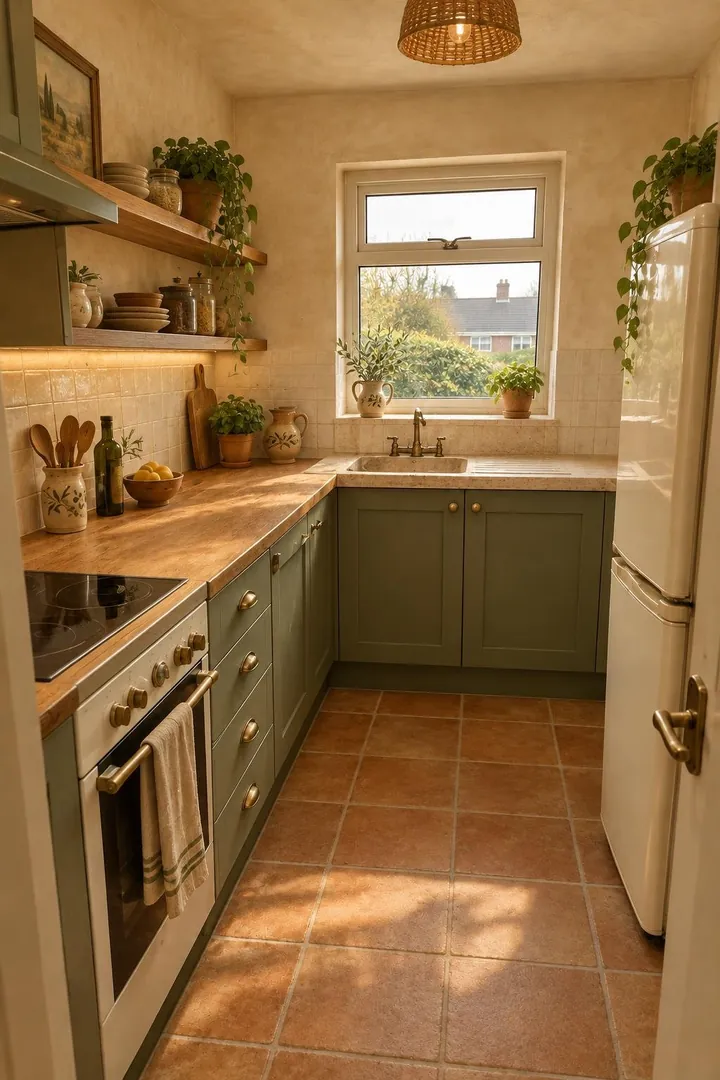
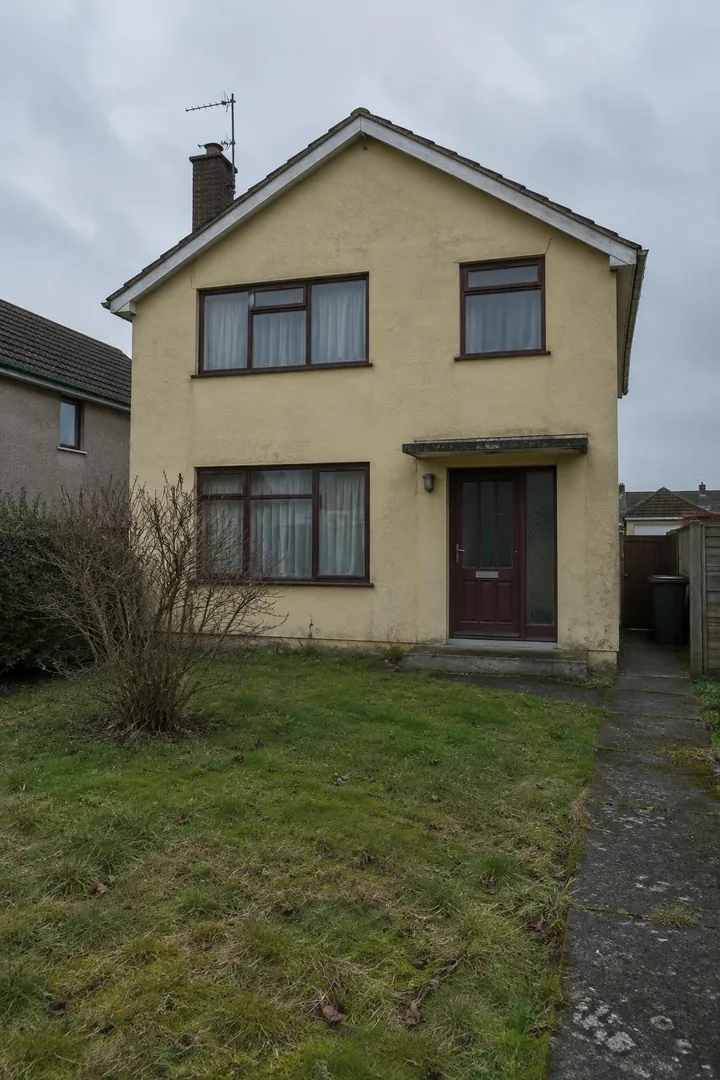
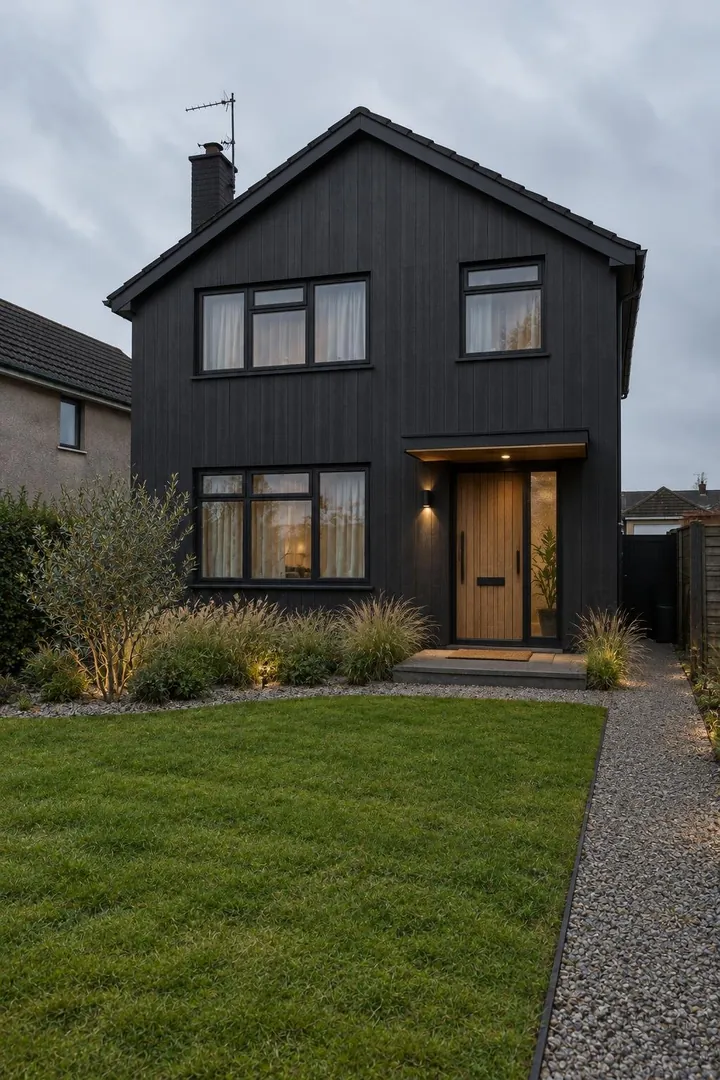
Example renders. Every after is generated from its before by the same engine and settings the app uses. The before rooms are illustrative, not customer photos.
Questions
Good
questions.
Is it free?
Every new account starts with five free redos. After that, top up credits or join REDO+ for a monthly allowance. Credits never expire.
Will it really be my room?
Yes. Walls, windows, doors and your camera angle stay where they are. redo that changes the design, not the architecture.
What can I redo?
Living rooms, bedrooms, kitchens, bathrooms, offices, hallways — and the outside of your house, with twelve facade styles.
Are my photos private?
Yes. There's no feed and no followers — your photos and redos are never published or shown to anyone else. Delete your account in the app and everything goes with it.
iPhone or Android?
Both. iPhone first, Android right after. Leave your email below and we'll tell you the day it lands.
Your room
is waiting.
Five free redos when you join. iPhone first, Android right after.
Email me the day it lands